Books — setup guide
Every publication becomes a real 3D object, built from three images and three numbers. This walks through installing the template and adding your first book. Nothing here needs the command line beyond one copy-paste.
01 Put the files on a server
You need PHP 8.2 or newer. Any shared host will do — no database, no build step, nothing to compile.
Unzip the download. What you get is the template: templates, snippets, blueprints, assets and the demo content. Kirby core is not in the zip — Kirby may not be redistributed, so you add it yourself in one step. Inside the folder, run:
composer install
No Composer? Download the free Plainkit from getkirby.com, unzip it, and copy its kirby folder in next to index.php. Then upload the whole folder to your web root.
To look at it on your own machine first, run this inside the folder and open localhost:8000:
php -S localhost:8000 router.php
02 Make your Panel account
Open /panel on your site. The first time, Kirby asks for an email and a password and makes you the administrator. That account is stored in your own files — there is no service to sign up for.
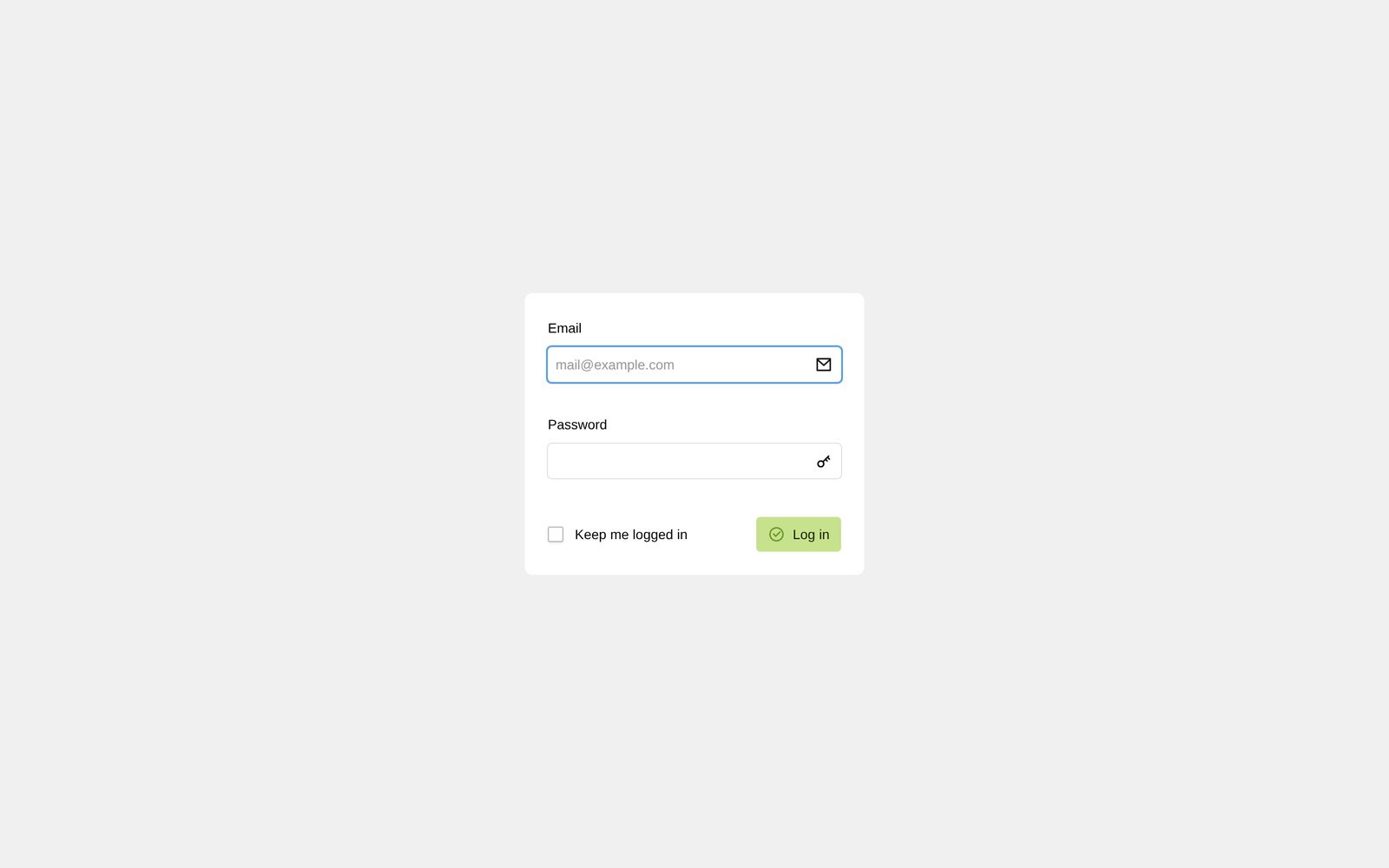
On a live domain, Kirby requires HTTPS before it will let you install. If your host has not issued a certificate yet, do the setup locally first and upload site/accounts/ with the rest.
03 Find where the books live
Books live on the Site screen — the section labelled “Books”. Everything else on your site stays out of the way.
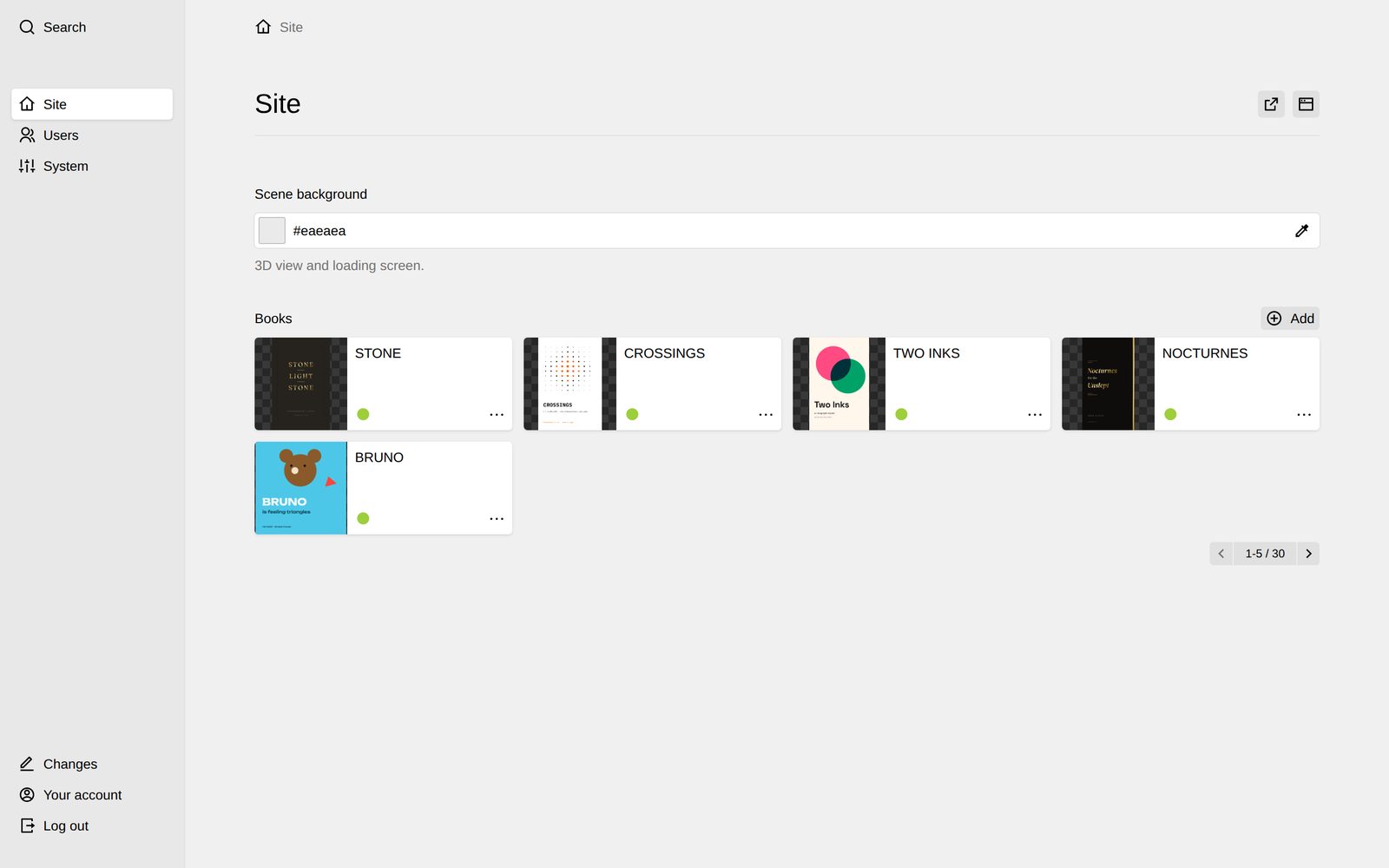
04 Add a book
Press Add, give it a title, and open it. These are the fields:
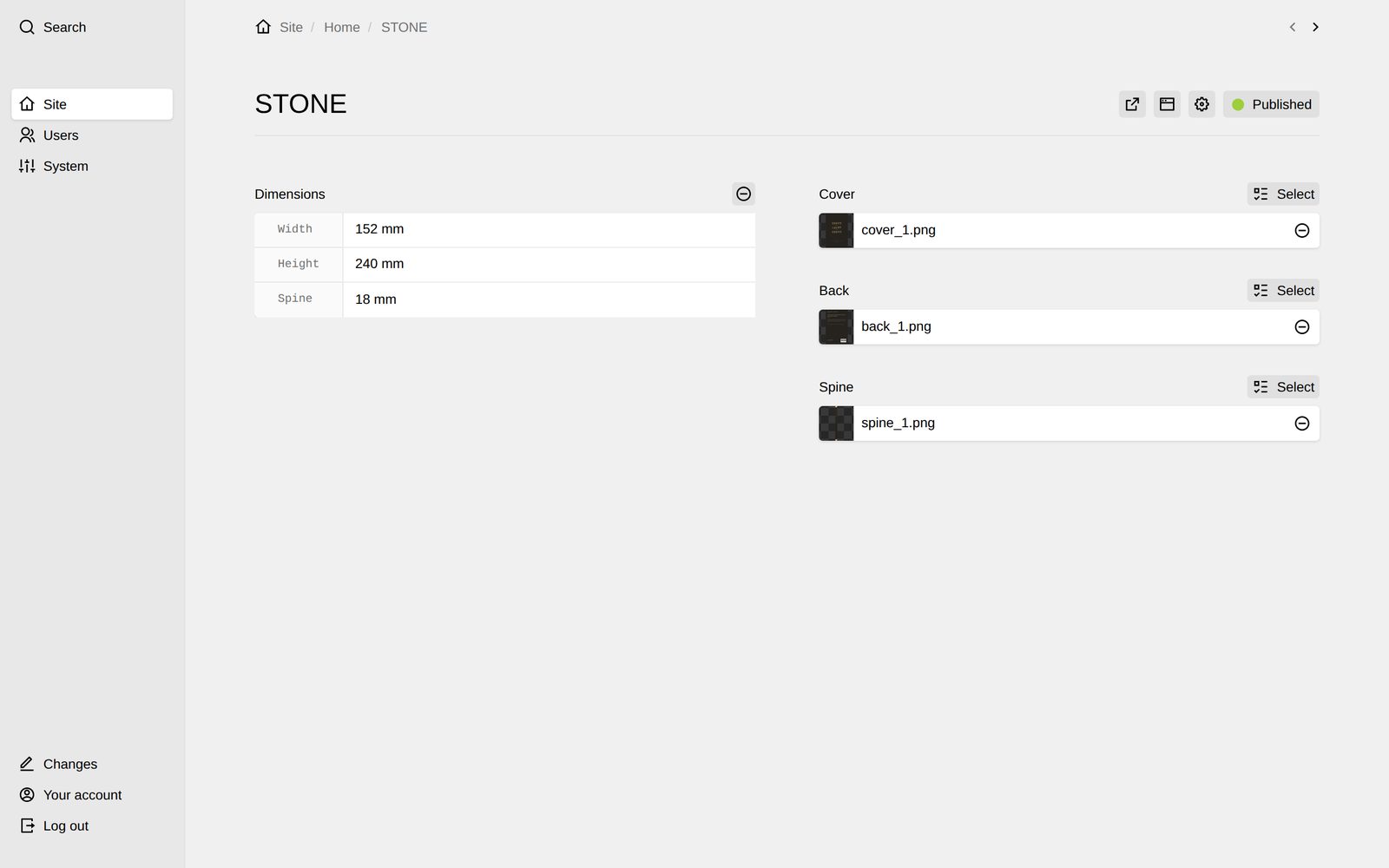
- Title
- The book’s name. Shown in the list view.
- Cover
- Front cover image. One file.
- Back
- Back cover image. One file.
- Spine
- Spine image. One file.
- Dimensions
- Width, Height and Spine in millimetres — the real ones. A 15 mm novel will look thin next to a 75 mm monograph, because the template builds the geometry from these numbers.
Worth knowing. Use the actual print dimensions. The whole point of the template is that the shelf is to scale — guessing round numbers flattens the effect you paid for.
05 Look at the site
Nothing to publish or rebuild — the front end reads the same files the Panel just wrote. Reload and it is there.
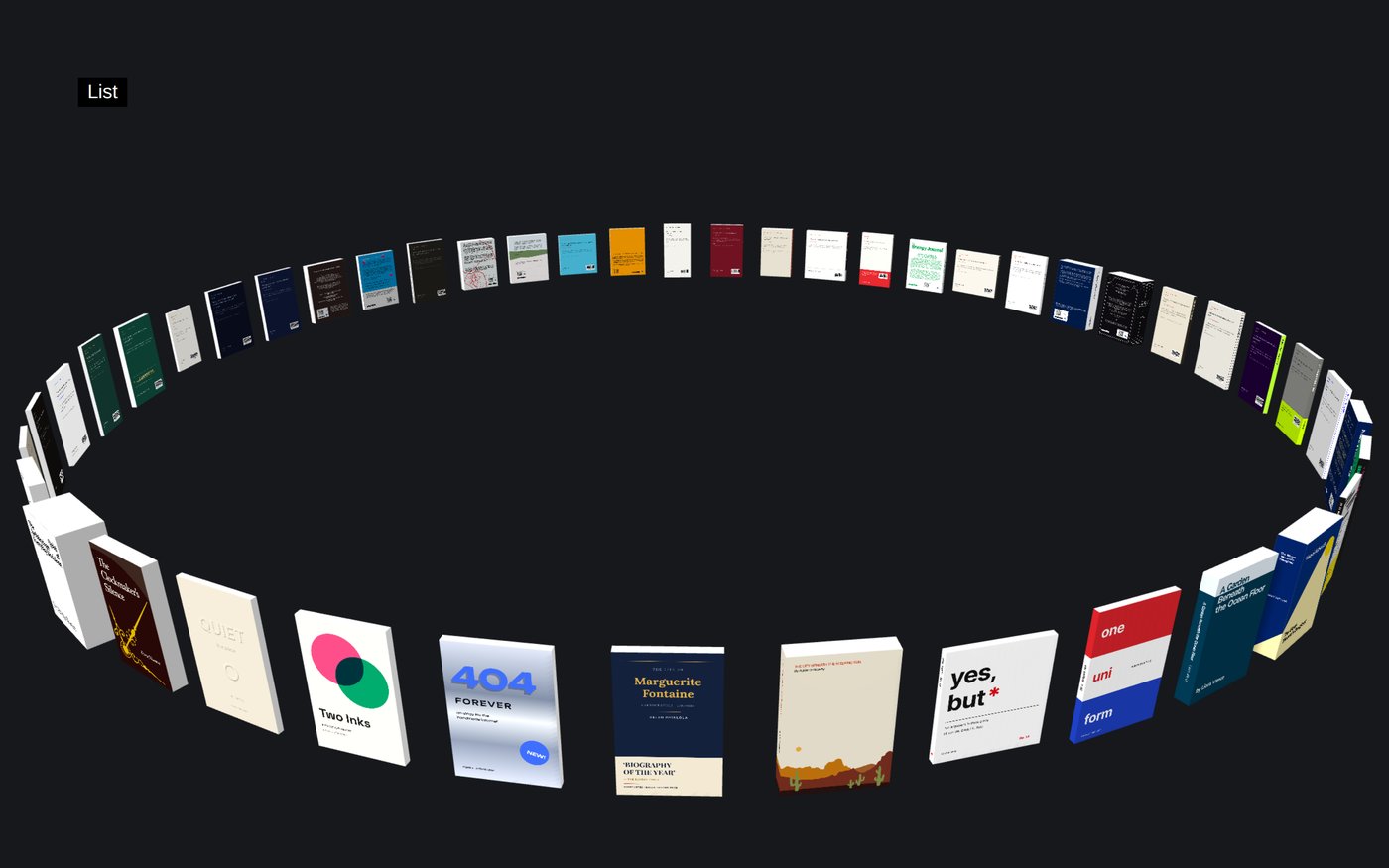
Colour. The page colour is one field on the Site screen — Background colour. Pick anything; the List button, the index and the loading bar switch between a light and a dark look on their own so they stay readable.
06 Replace the demo content
The books that came with the template are original work and yours to keep, reuse or delete. Delete them from the Panel like any other page once your own are in.
Kirby CMS is licensed separately and is not included with this template. Check the current licence options and prices at getkirby.com before publishing your site.